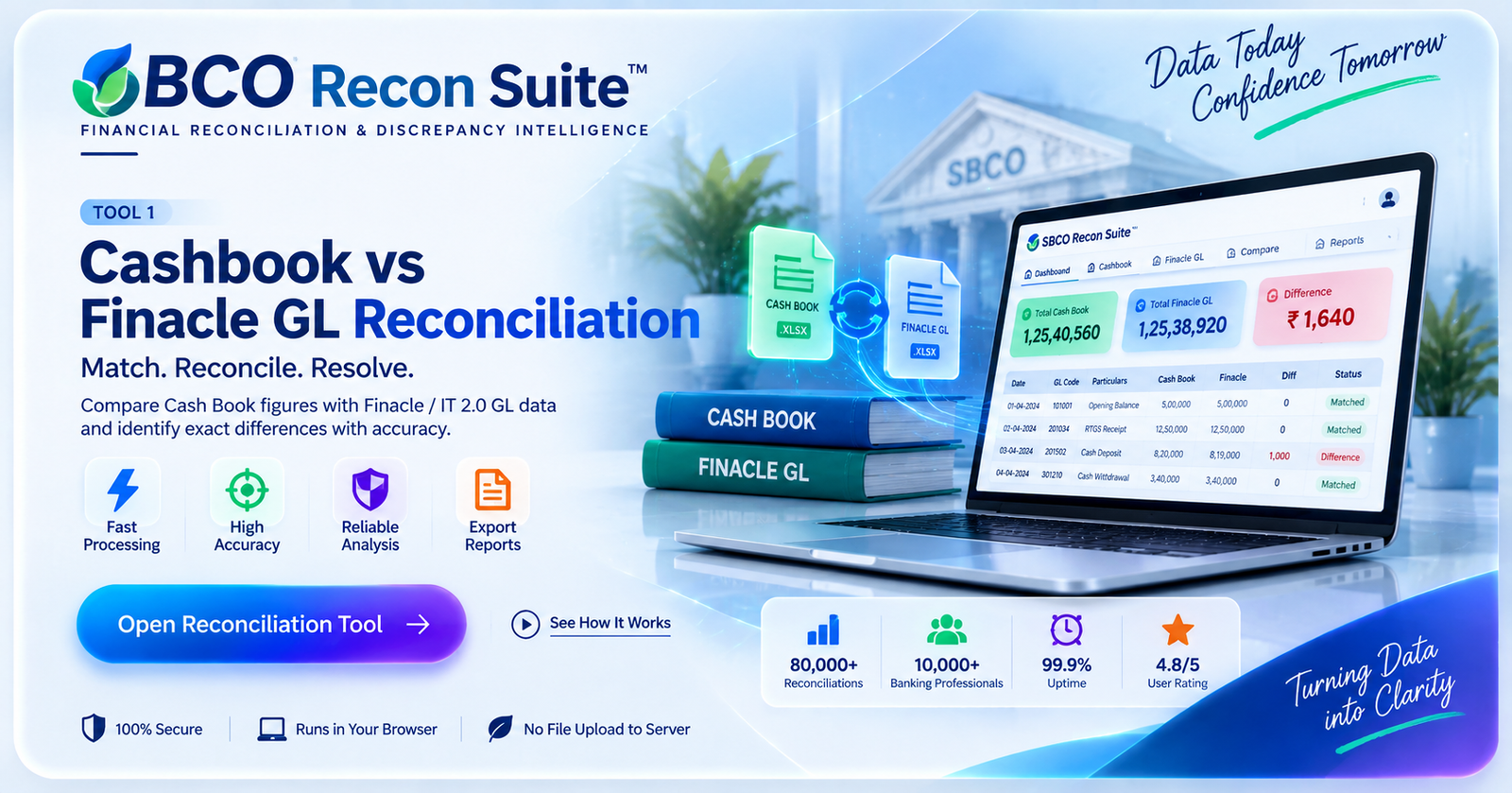
TOOL 1
Cashbook vs Finacle GL Reconciliation
Compare Cash Book figures with Finacle / IT 2.0 GL data and identify matched, missing and difference rows.
Cash BookFinacle GLView SourceExport
View Plans to Unlock →SBCO Reconciliation Suite is designed to bring multiple reconciliation activities into one structured platform. Instead of manually switching between Cash Book, Finacle, Treasury and office-level reports, users can follow a clear process to compare figures, identify mismatches, verify the exact source and prepare usable reports.
The platform is built around real reconciliation needs: large data volumes, many offices, multiple GL heads, repeated searching, source verification and discrepancy reporting.
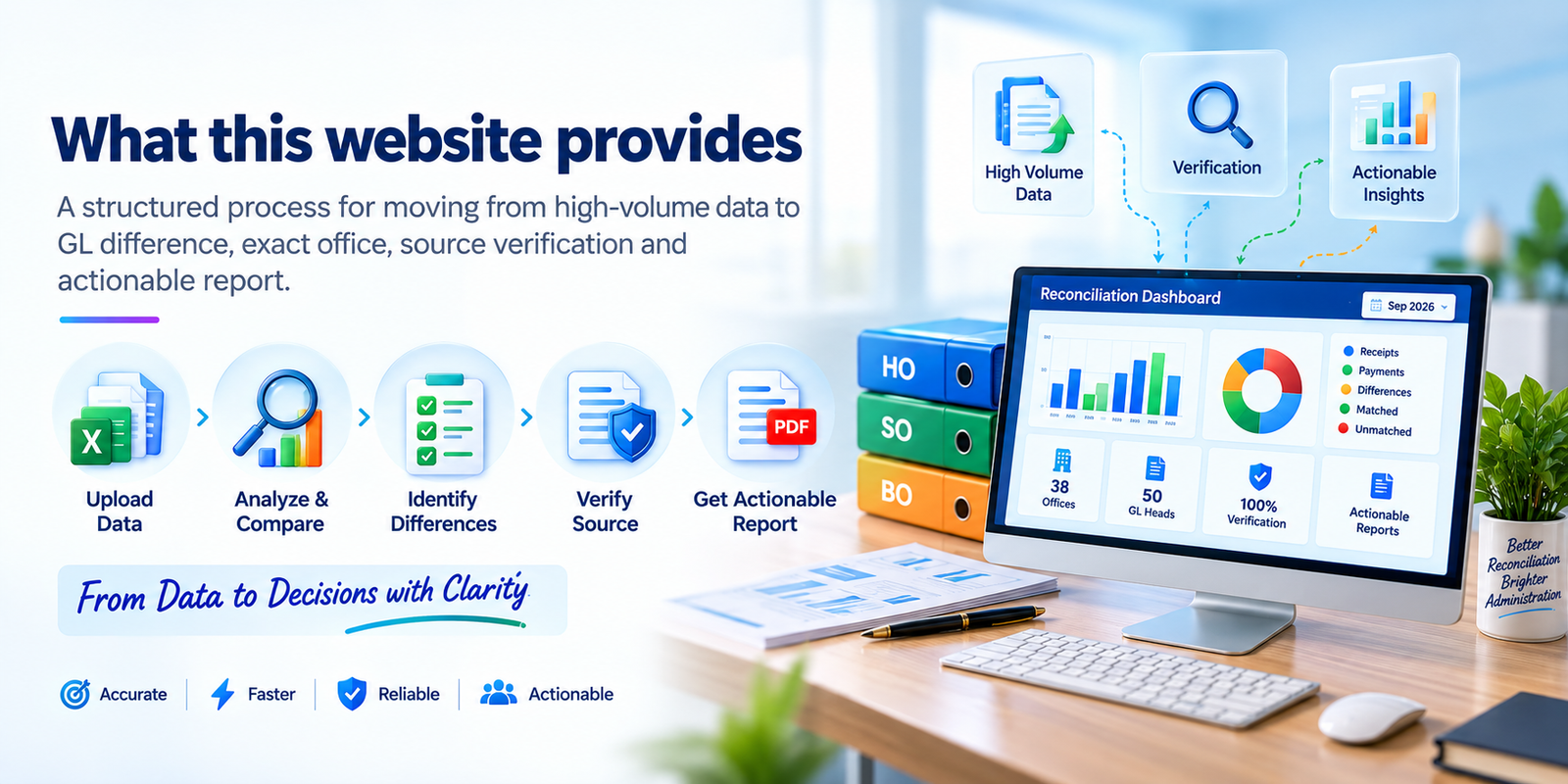
Manual reconciliation often means opening several files, searching the same office repeatedly, checking GL heads one by one, finding a difference and then tracing it again to its exact source. This website organizes that process into dedicated tools.
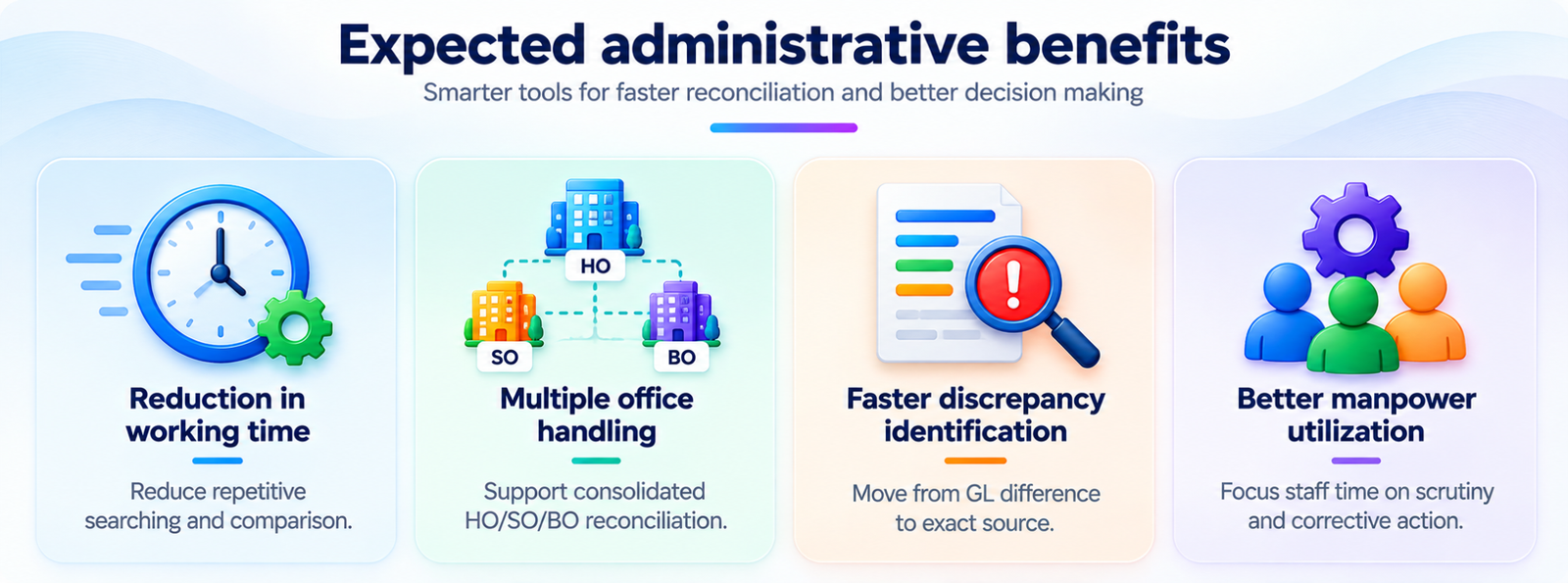
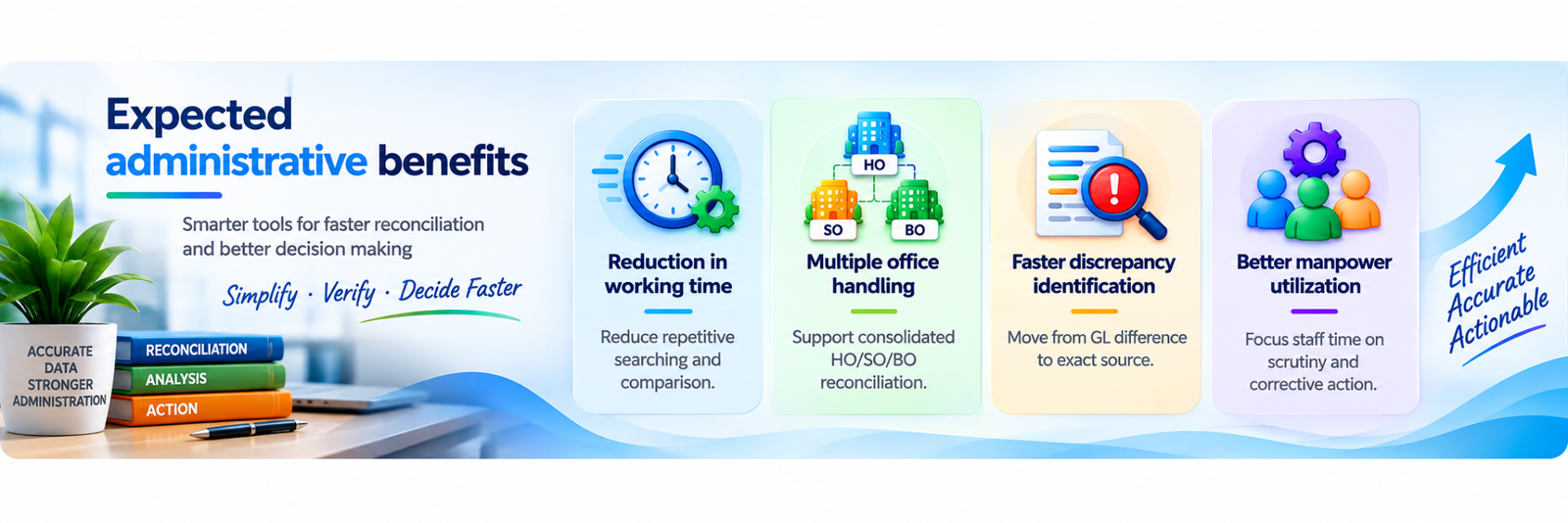
Reduce repeated searching, copying and manual cross-checking across multiple reports.
Work with HO, SO and BO figures in a structured office hierarchy instead of separate manual checks.
Find mismatches at GL level and then drill down to the exact office or source record.
Review source rows before finalizing a discrepancy and use the verified result for reporting.
The four tools are designed to complement one another. You can start with source analysis, compare systems, isolate the difference and then verify the exact contributing records.
Move from raw reconciliation files to clear differences, source verification and export-ready results.
Upload the required Cash Book, Treasury, Finacle or office mapping files.
Choose the reconciliation or analysis workflow that matches your requirement.
Filter by date, office, GL and status, then identify exact mismatches.
Review source rows and use the available print, Word or Excel outputs.
Four specialized tools using the same clear reconciliation workflow.
Compare Cash Book figures with Finacle / IT 2.0 GL data and identify matched, missing and difference rows.
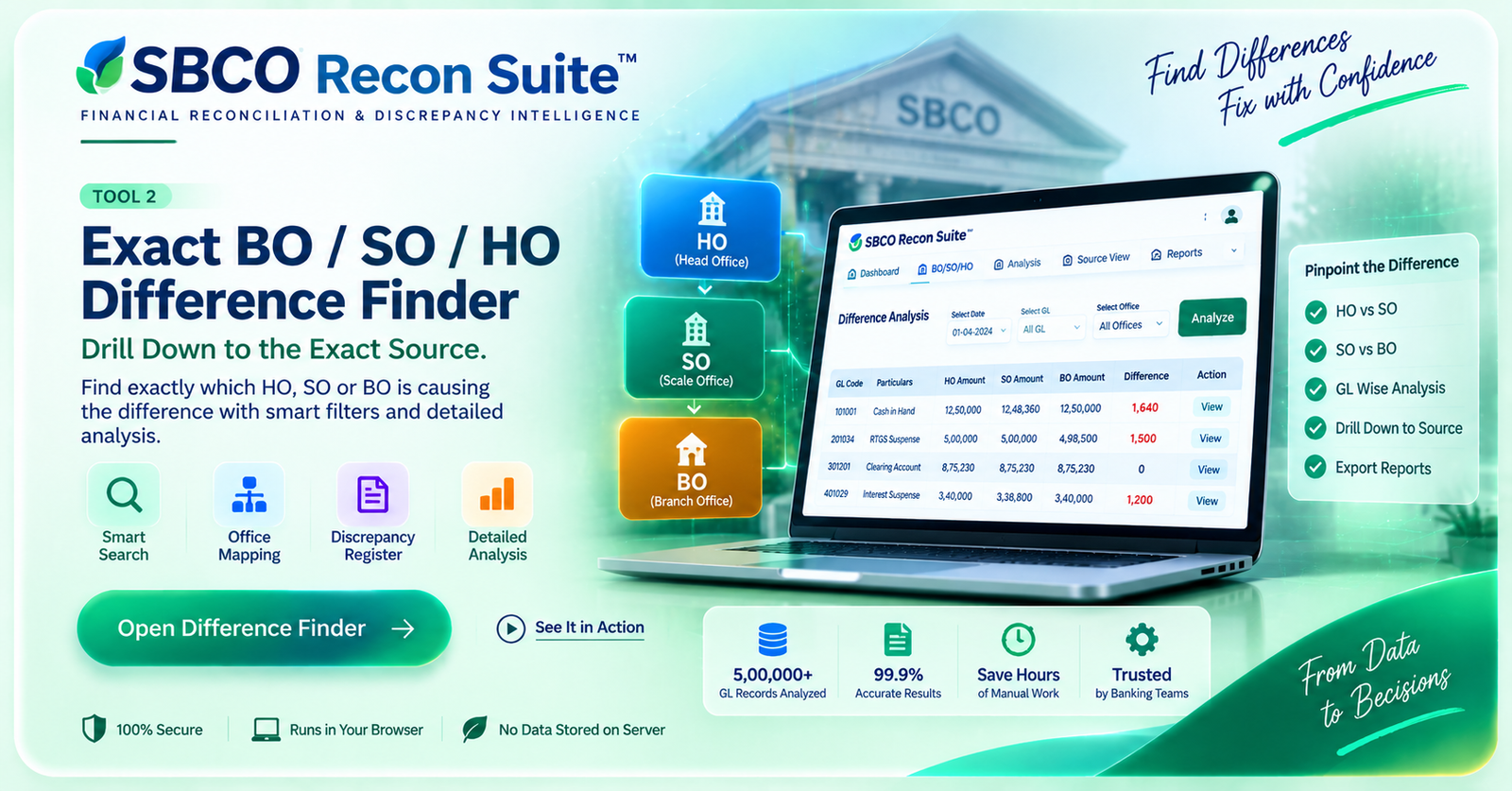
Drill down from GL differences to the exact BO, SO or HO source using mapping, hierarchy and discrepancy analysis.
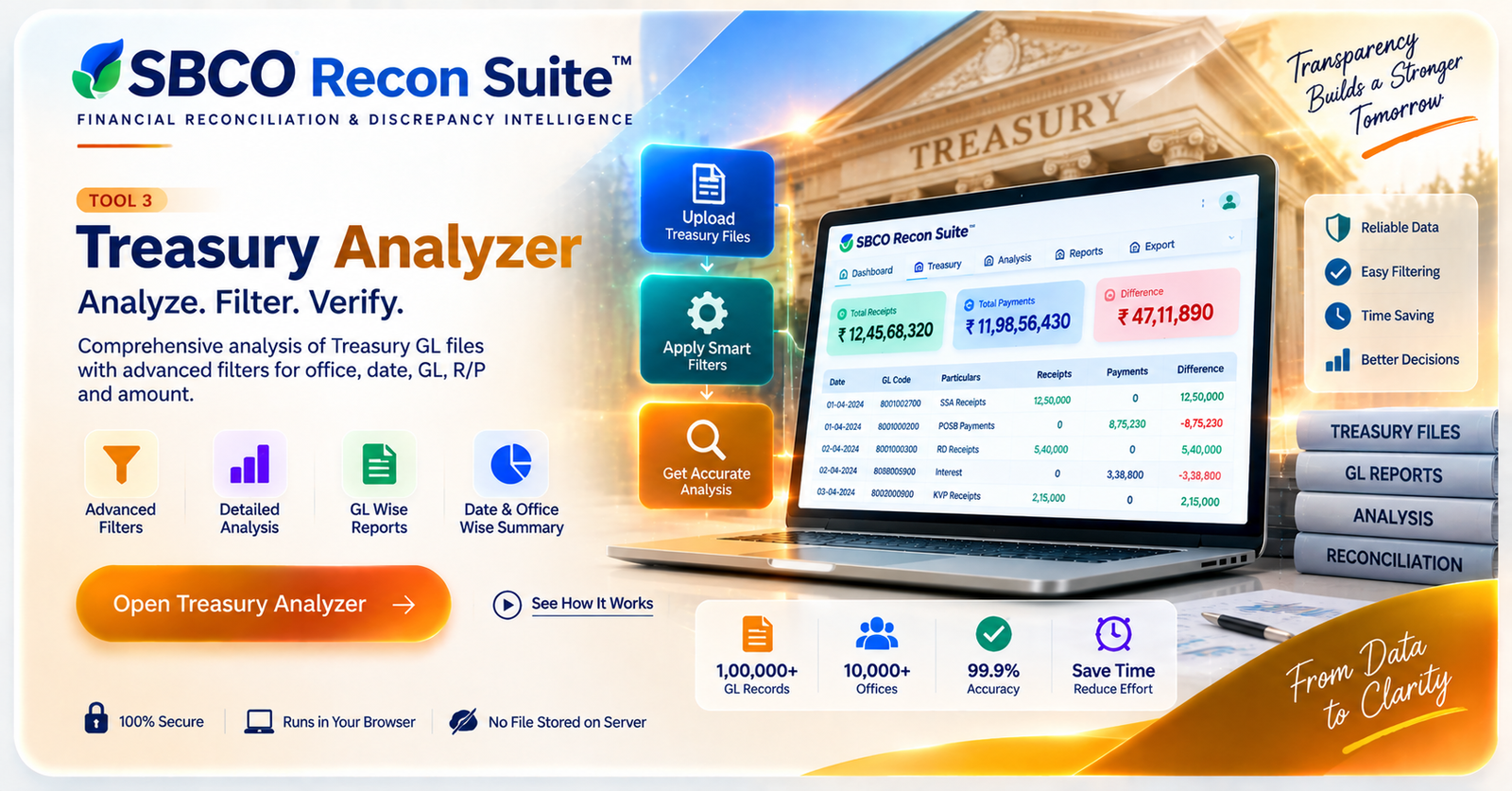
Analyze Treasury GL exports with smart date, office, GL, R/P and amount filters plus detailed summary views.
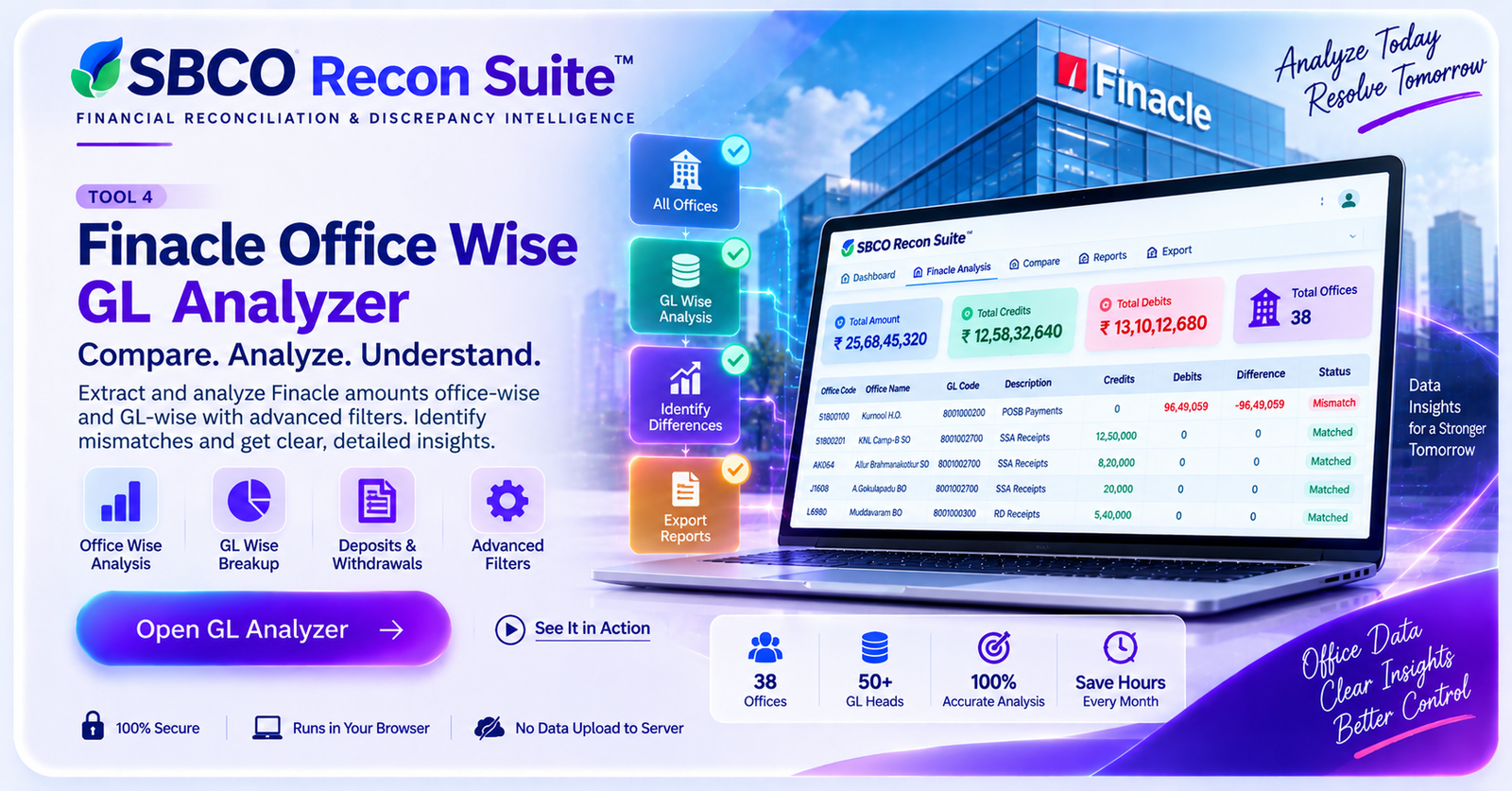
Extract Finacle figures office-wise and GL-wise with BO/SO/HO classification, mapping and advanced filters.
A consistent platform structure can support users, tools, reports and administration from one place.
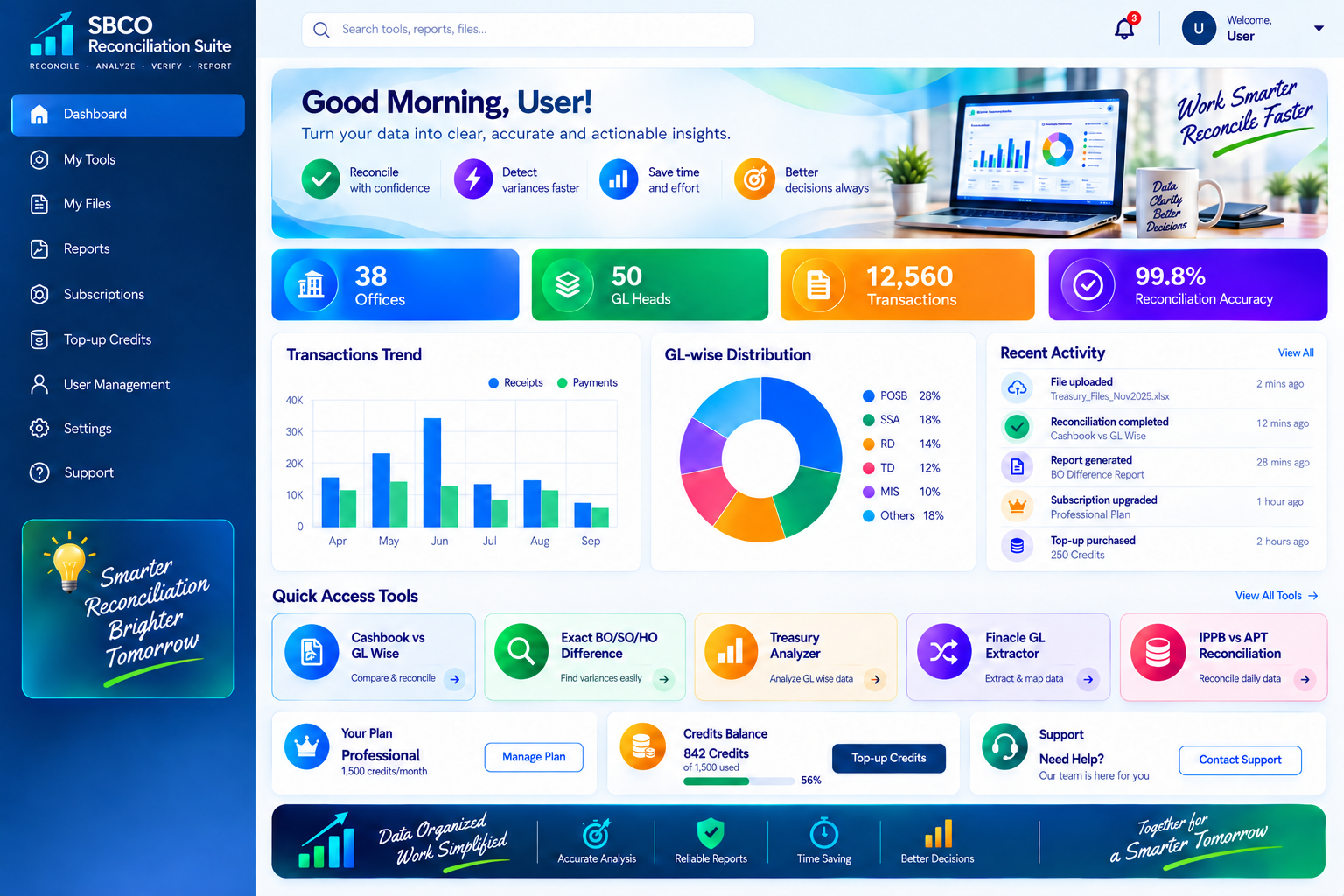
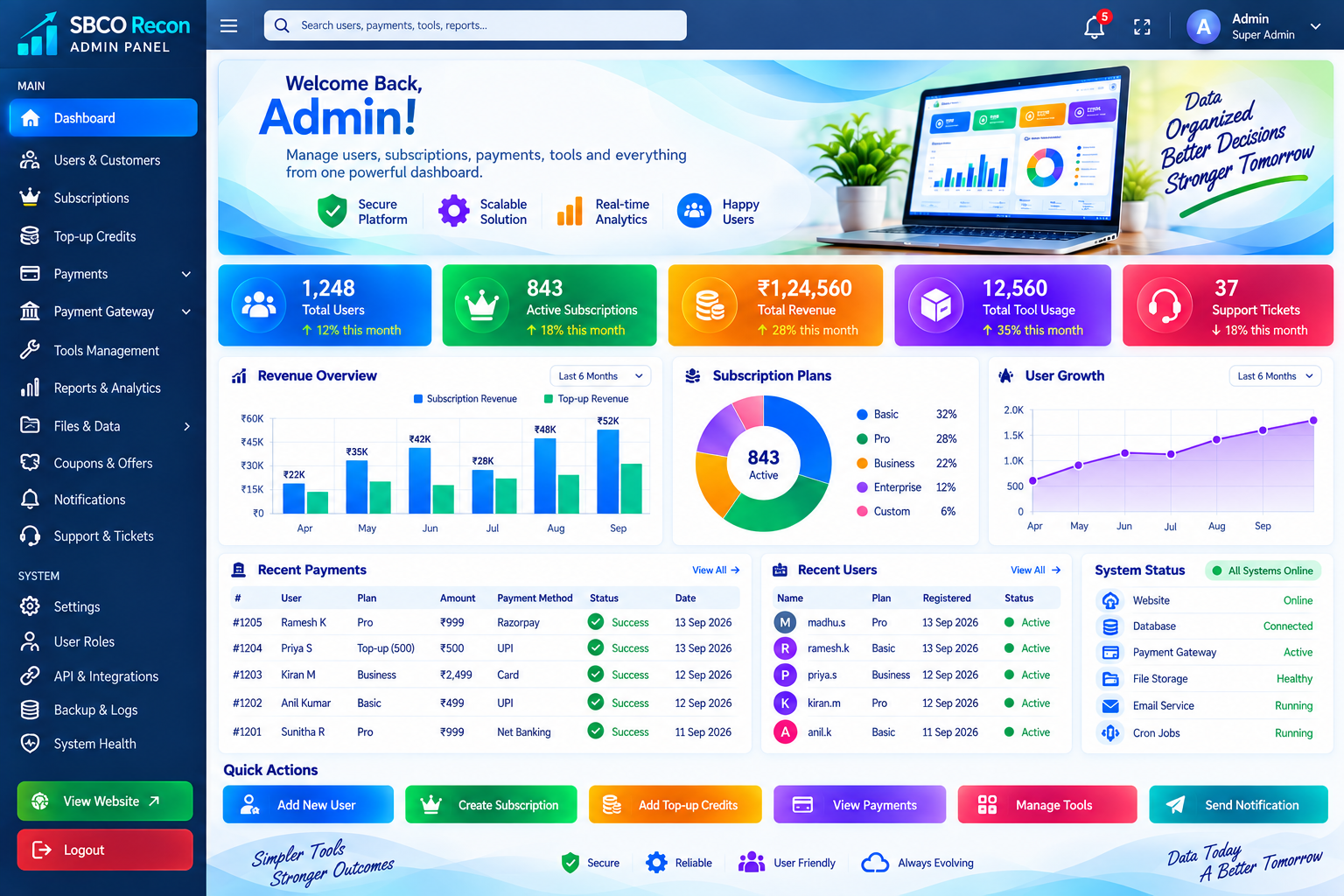
A reconciliation-focused environment for users who need structured analysis, source verification and reliable office-wise reporting.
For users who regularly compare reports, verify GL heads and prepare discrepancy details.
For teams working across HO, SO and BO data where office mapping and source tracing are important.
For workflows involving many files, large transaction volumes and repeated monthly reconciliation.
For users who need to validate the exact source before creating a formal discrepancy or action report.
The focus is not only on showing figures, but on making the entire verification process easier to understand and act upon.
Filter quickly by date, office, GL, status and amount instead of manually reviewing every row.
Move from a consolidated difference to the specific office or source that created it.
Use BO, SO and HO relationships to understand where a figure belongs and how it rolls up.
Inspect source rows before concluding that a discrepancy is genuine.
Prepare filtered outputs for printing, sharing or further official processing.
Public visitors can understand the platform, while actual tool access is provided only after login.
Top-up credits can supplement the credits included with an eligible subscription. Your dashboard will show the available balance and provide access to the Top Up page after login.
Choose a top-up when your included credits are not enough. Payment is verified through WooCommerce and Razorpay before credits are added to your account. Credit usage and purchase history will be available from the user dashboard.
Choose a Top-up →Your existing plans, with clear prices and credits. Paid plans last 30 days and renew manually.
No payment required
One-time payment · manual renewal
One-time payment · manual renewal
One-time payment · manual renewal
Quick answers before you create an account or start reconciliation.
SBCO Reconciliation Suite is an independent reconciliation assistance platform designed to reduce repetitive manual work involved in analyzing multiple reports, offices, GL Heads and financial data. Unless formally authorized otherwise, it is not an official Government of India, Department of Posts or India Post website.
Use only information that you are authorized to access and process. Do not provide passwords, OTPs, credentials or unnecessary personal/confidential information. Generated results are reconciliation and analytical outputs and do not replace prescribed official verification or departmental procedures.
The public website explains the purpose, workflow, tools, benefits, pricing, FAQs and user guide. Actual reconciliation tools are kept inside the login-protected dashboard so the working area remains separate from the public information website.